Choosing strength software for a high school
Most of what is written about this is aimed at a full-time strength coach with a budget code. The person who usually ends up choosing is a teacher with a fourth-period class, forty athletes and a laminated card taped to the squat rack. Different job, different requirements.
The constraints nobody lists on a feature page
- You are not at a desk. Whatever you pick has to be usable standing in a weight room with a phone in one hand. If setting up a week takes longer than your prep period, it will not survive October.
- The phones are a mess. Some athletes have a current iPhone, some have an Android two owners deep, some have no data plan and only school wifi. Anything that only ships as a native app leaves kids out.
- Summer is the real test. June through August is when a program is won or lost, and that is exactly when nobody is in your weight room. The software has to work at a kid's house with a pair of dumbbells.
- You will be gone some days. A sub cannot run your session off a whiteboard. If the plan lives on each athlete's phone, the session happens whether or not you are in the building.
- Parents will ask. At some point a parent asks what the app collects about their child. You need an answer you can give in one sentence, in a hallway.
Questions worth asking a vendor
What does it cost when only thirty kids use it?
Tiers in this category tend to start around fifty athletes, so a squad of thirty often pays a fifty-athlete price. Ask for the number at your actual roster size, not the headline.
Do the athletes pay anything?
Some products charge the program and some push a subscription at the athlete. If any part of it lands on the athlete, a third of your roster will not have it by week three, and it will be the third that most needs the structure.
What happens to a kid's data when they graduate?
An athlete's log is theirs. Ask whether it leaves with them or dies with the roster. A senior who logged three years of lifting should be able to keep it.
Does anything rank athletes by bodyweight?
Ask directly, and look at the actual leaderboards rather than the answer. High school athletes are adolescents in a body-conscious environment, and a public board sorted by weight or body fat does real harm. Rankings should be built on effort and output.
Can I see who has stopped showing up?
The most useful screen is not the leaderboard. It is the list of athletes who have logged nothing in three days, because that is usually an injury, a phone problem, or something happening at home, and it is the only one that needs you today.
What to ignore
Velocity-based training integrations, force plate dashboards, readiness algorithms with proprietary names. These are real tools for staff who have the hardware and the time to act on them. In a high school weight room where the bar is loaded by a sophomore who forgot his shoes, they are a distraction you will pay for and never open.
Where EatSleepRep fits
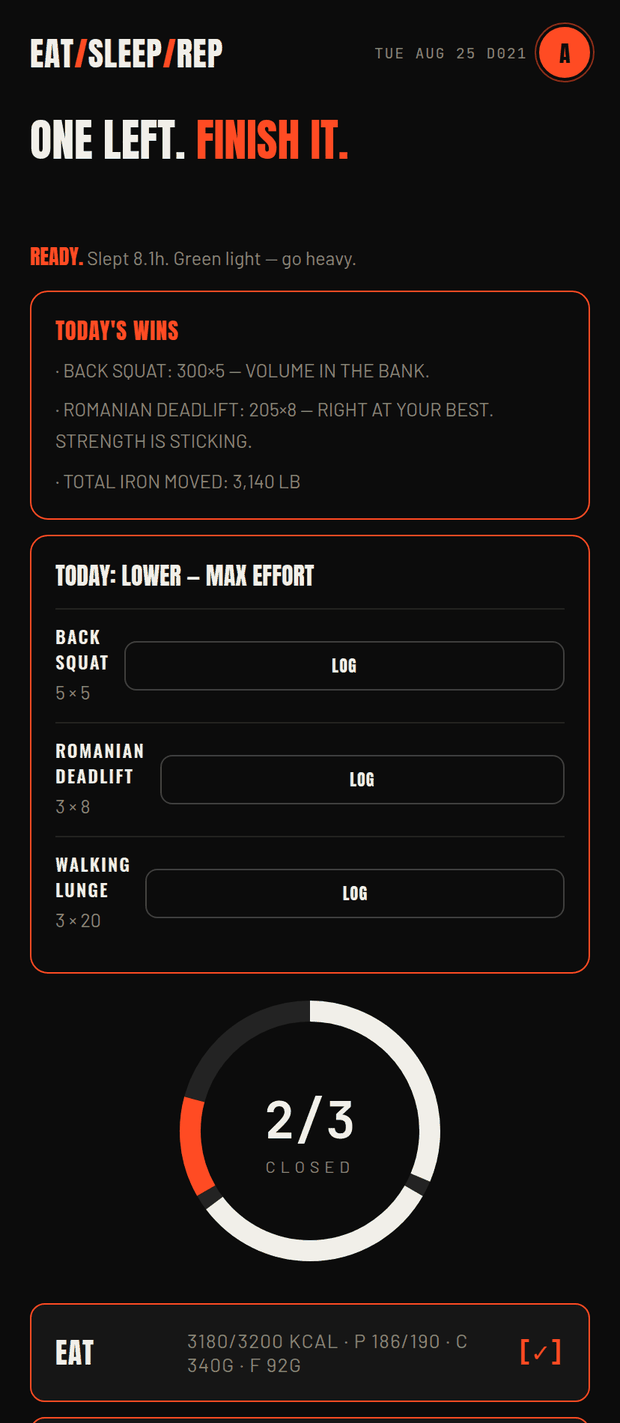
It was built for the constraints above. It runs in a browser, so an athlete with any phone is in. Sessions land on each athlete's screen and they can do them anywhere, which is what makes summer work. Athletes never pay. Nothing ranks anyone by bodyweight. And the coach's first screen is who has gone quiet, not who is strongest.
It is deliberately not an athlete management system, and if you need one, it is the wrong tool. There is an honest cost comparison with the bigger platforms on the alternatives page.
Try it with one team
Make a team, put this week's sessions up, and text the join code to your athletes. Nothing to install for you, no card to start, and if it is not for you the team deletes in one click and every athlete keeps their own log.
Common questions
Yes. Sessions are assigned to dates and appear on the athlete’s own screen, and they log wherever they train. Nothing requires them to be in your weight room or on school wifi.
The app runs in a mobile browser and installs to the home screen, so it does not depend on a recent phone or an app store account.
The privacy policy is written in plain language, covers athletes under 18 specifically, and an athlete can delete their whole account themselves at any time.
More in this series
- What the category costs — Published prices for TeamBuildr, Hevy Coach, PLT4M and EatSleepRep side by side.
- Cost per athlete, every published price — The whole category divided by its roster caps, then divided again by a roster of thirty — which reverses the order.
- What "plans start at $500" leaves out — A floor with no tiers, no roster cap and no ceiling, and what that does to a budget line.
- The assistant coach bill — TrainHeroic charges $9.99 a month per assistant on top of the athlete tier. What a staff of four costs.
- Volt's two price sheets — The same plan and the same roster cap cost $900 on one page of Volt's site and $1,200 on another.
- When nobody lists a price — BridgeAthletic, Teamworks and PLT4M will not quote without a call. Five questions that turn a demo into a number.
- What "free" actually means — Trial, free tier and free-for-athletes are three different things.
All eight are listed on the for-coaches index.
Prices and plan details for other products were read from each vendor's own pricing page on 25 August 2026 and are quoted as published. They change; check before you buy. EatSleepRep's own prices are on the product page.